
Your Coding Agent.Your Machine. Your Rules.
CodeTwin is a terminal-first AI coding agent that runs entirely on your machine.
BYOK. Zero telemetry. Five autonomy levels. You decide how autonomous it gets.CodeTwin is a terminal-first AI coding agent that runs entirely on your machine. BYOK. Zero telemetry. Five autonomy levels. You decide how autonomous it gets.
curl -fsSL https://code-twin.vercel.app/install.sh | bashTerminal-first
Runs in your shell
You set the autonomy
Five dependence levels
Twin memory
Context that survives restarts
BYOK — any provider
Zero vendor lock-in
How It Works
A New Paradigm for Coding with Agents
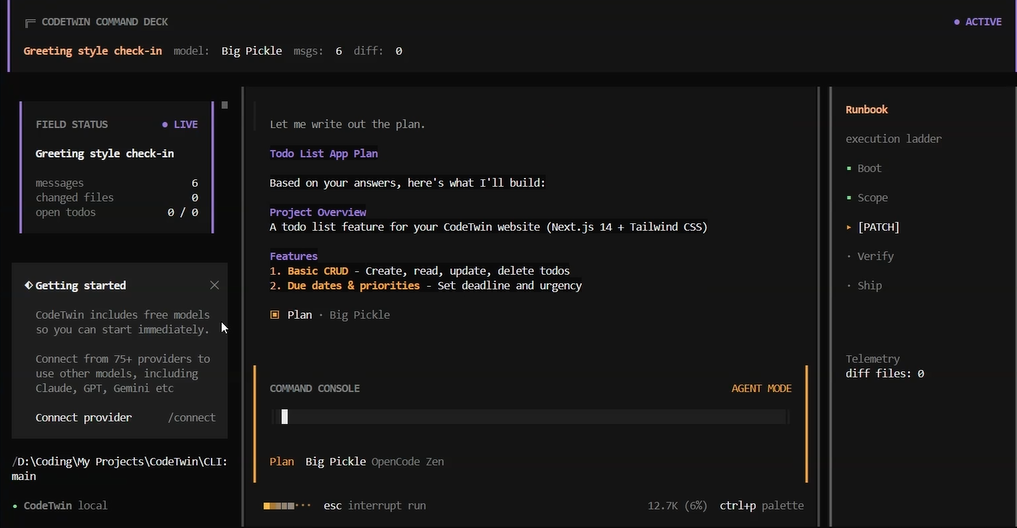
Give it a task. It shows its plan.
CodeTwin builds a pre-flight impact map before touching any file. See exactly which files get written, which shell commands run, and which functions get affected. You always know what's about to happen before it happens.
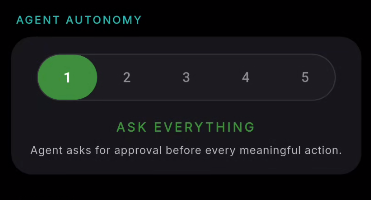
Five autonomy levels. You choose when to intervene.
At dependence level 3, it asks when multiple approaches exist. At level 1, it asks before every write. At level 5, it executes and reports. Change the level mid-task. You control how autonomous it gets.
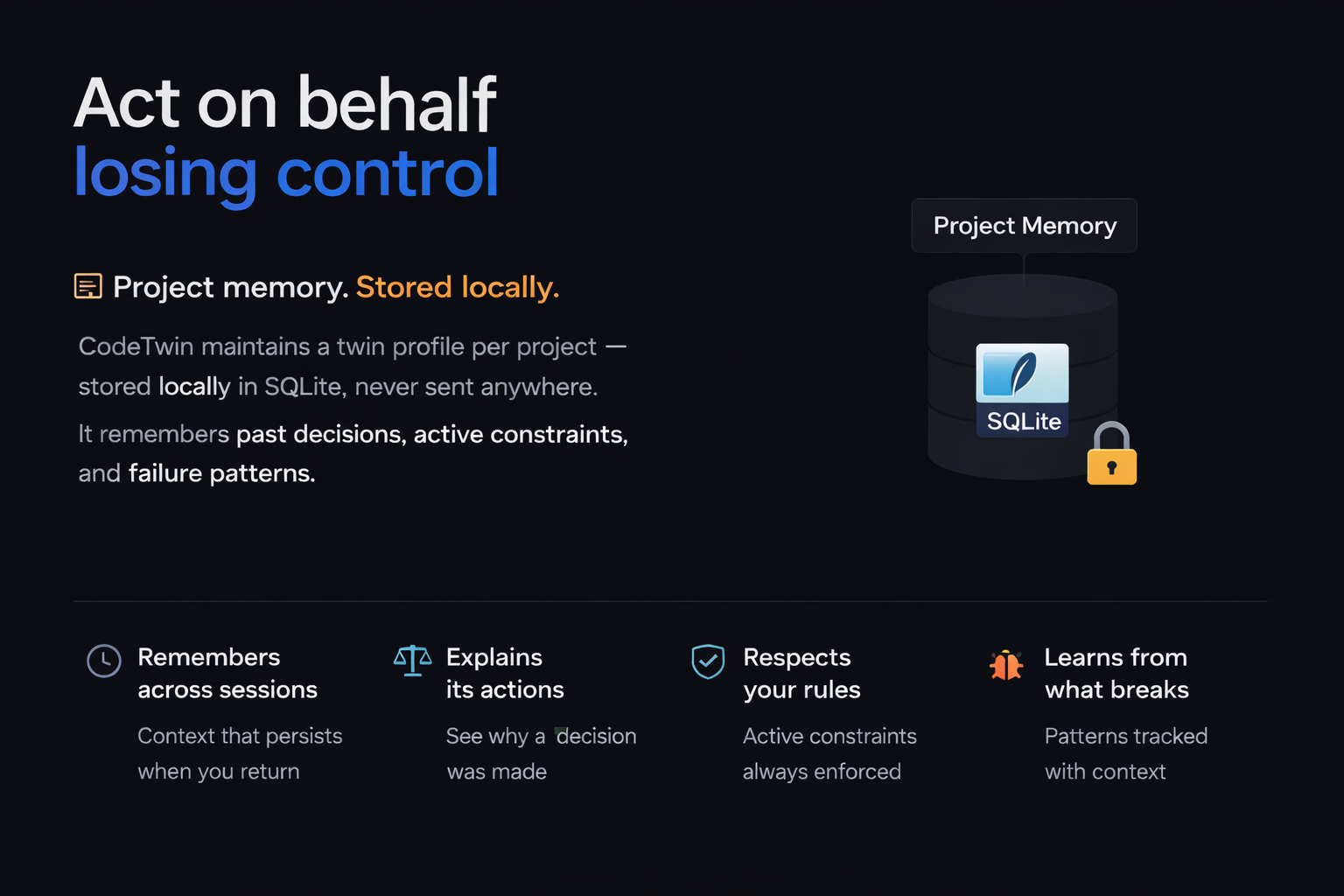
Project memory. Stored locally.
CodeTwin maintains a twin profile per project — stored locally in SQLite, never sent anywhere. It remembers past decisions and why they were made, active constraints, and failure patterns — what broke and in what context.
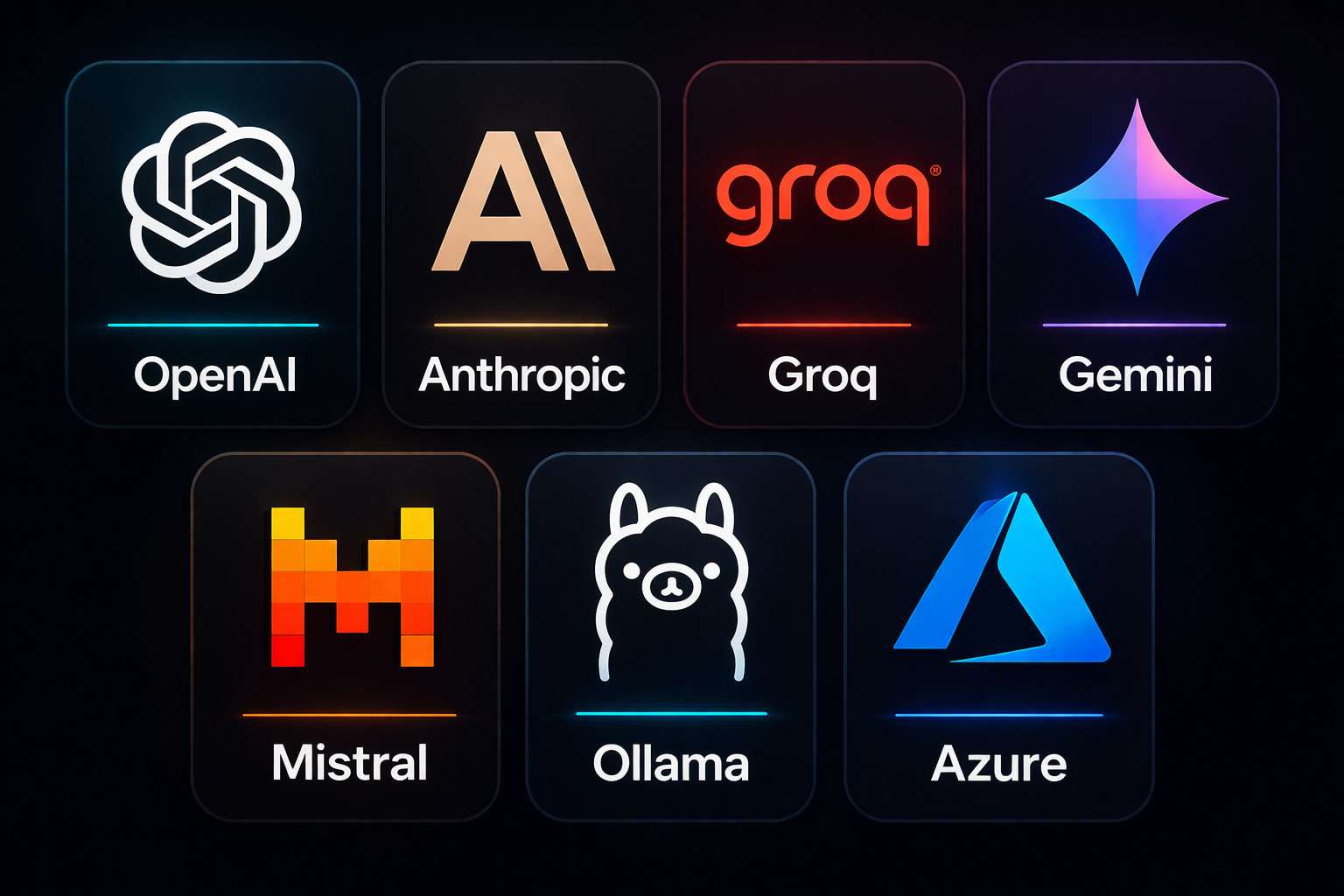
Works with every major LLM provider.
OpenAI, Anthropic, Groq, Gemini, Mistral, Ollama, Azure. One config field. No vendor lock-in. Bring your own API key and switch providers with a single config change. Zero code changes required.
Quick Start
Up and Running in 60 Seconds
Follow these three simple steps in order. Copy, paste, run.
Install CodeTwin
Copy this command, run it, then open a new terminal window.
curl -fsSL https://code-twin.vercel.app/install.sh | bashAuthenticate Provider
Run login, pick your provider, and paste your API key when asked.
codetwin providers loginStart CodeTwin in Your Project
Go to your project folder, run this command, then type your task in plain English.
codetwinQuick Install
curl -fsSL https://code-twin.vercel.app/install.sh | bash- Zero cloud dependency
- Bring your own API key
- Five autonomy levels
- Local twin memory per project
Support
Frequently Asked Questions
Everything you need to know about CodeTwin. Can't find your answer? Open an issue on GitHub.
Ready to Take Control?
No cloud. No vendor lock-in. Just you, your terminal, and an AI agent that listens.